Menu
Inscription / Connexion

Les membres de la meute avancent plus vite.
🐺 Rejoindre la meuteDéjà membre ? Connectez-vous

Disponibilité: Stock bas : 7 restant(s)
Impossible de charger la disponibilité du service de retrait


Active Noise-Cancellation: Yes
Brand Name: NONE
Category: Earphones & Headphones
Choice: yes
Communication: True wireless
Control Button: Yes
High-concerned chemical: None
Material: Plastic
Origin: Mainland China
Style: Tws in-ear headphones
Vocalism Principle: Dynamic
Volume Control: Yes
Wireless Type: Bluetooth
semi_Choice: yes
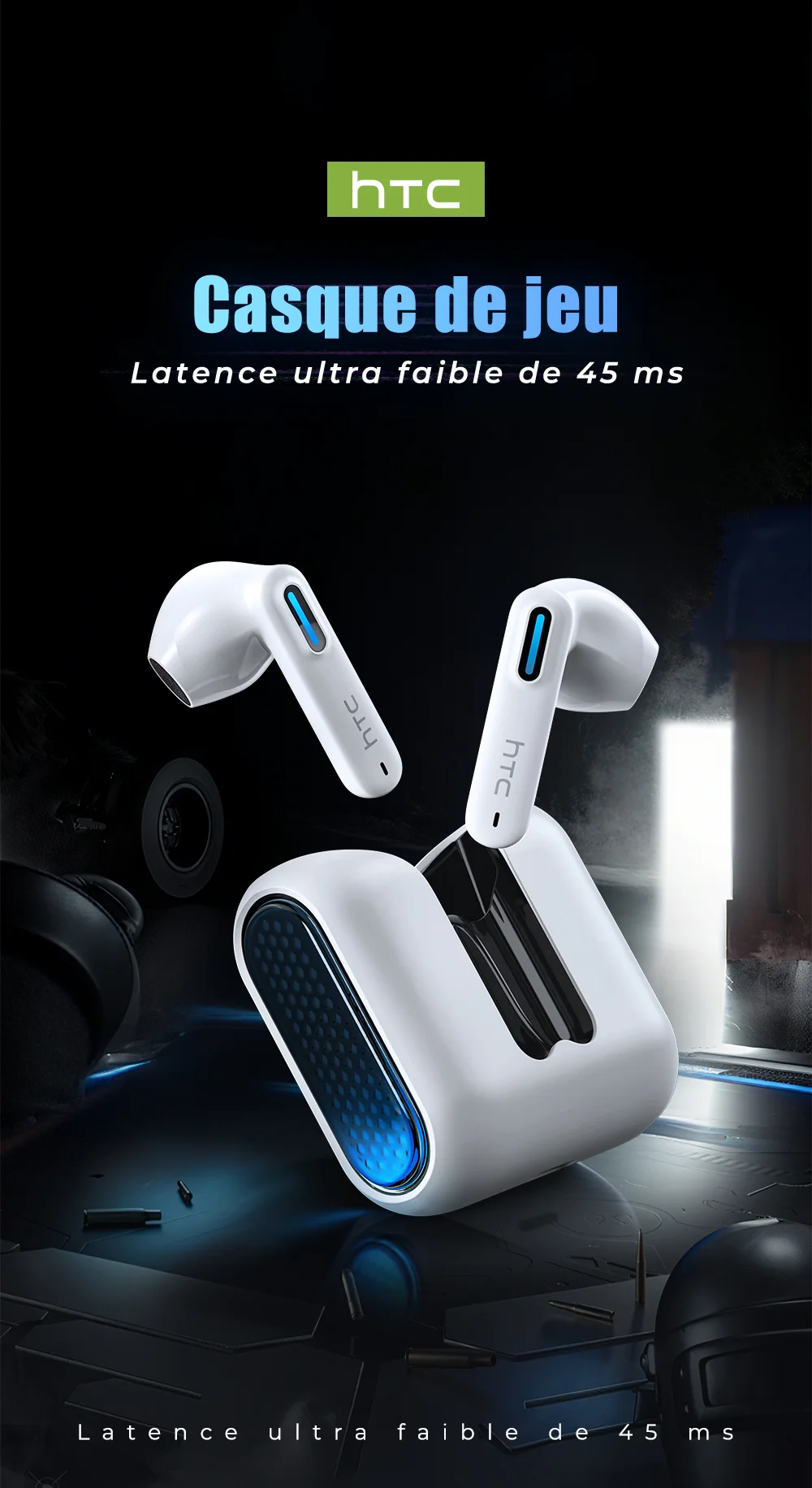
Please connect the headphones according to this method
1. Charge the earphones for 1-2 hours before use
2. Remove the earphones and wait for 5-10 seconds to allow them to connect (Successful installation of the earphones: One earphone indicator light is flashing. The other earphone is not lit)
3. Turn on your phone's Bluetooth and wait until your phone searches for the Bluetooth headset by its name
4. Click on the "Bluetooth" name to connect
If one of the earphones is experiencing no sound, please reset the earphones according to the following method to restore sound
1. Confirm that both the left and right earphones are in the powered-on state
2. Confirm whether the left and right earphones are successfully paired
3. Wipe the charging contacts on the end of the earbuds and the charging probe of the charging case with a clean cloth, then place the earbuds into the charging case for 5 minutes before removing them
4. Clear the pairing information of the left and right earphones, and re-pair and connect them to the phone
## 🚀 Fast Shipping & Quality Guaranteed
✅ **All products in stock** – Order with confidence
✅ **Priority shipping** after adding to cart
✅ **Fast delivery** – Ships within 24 hours
✅ **Certified products** – Brand certified, reliable quality
---
## 📱 Compatible Devices
Our earbuds support:
- **iOS** (iPhone / iPad)
- **Android** (Samsung, Huawei, Oppo, Vivo, etc.)
- **Tablets** and other Bluetooth-enabled devices
---
## 📦 Order Information
- Each product is shipped within **24 hours** of order placement
- **Quality inspection** is performed on every product before shipping
---
## 💬 Customer Service
If you have any questions, please click **"Chat"** to contact us.
**Business hours:** Monday – Saturday | 9:40 AM – 6:30 PM
---
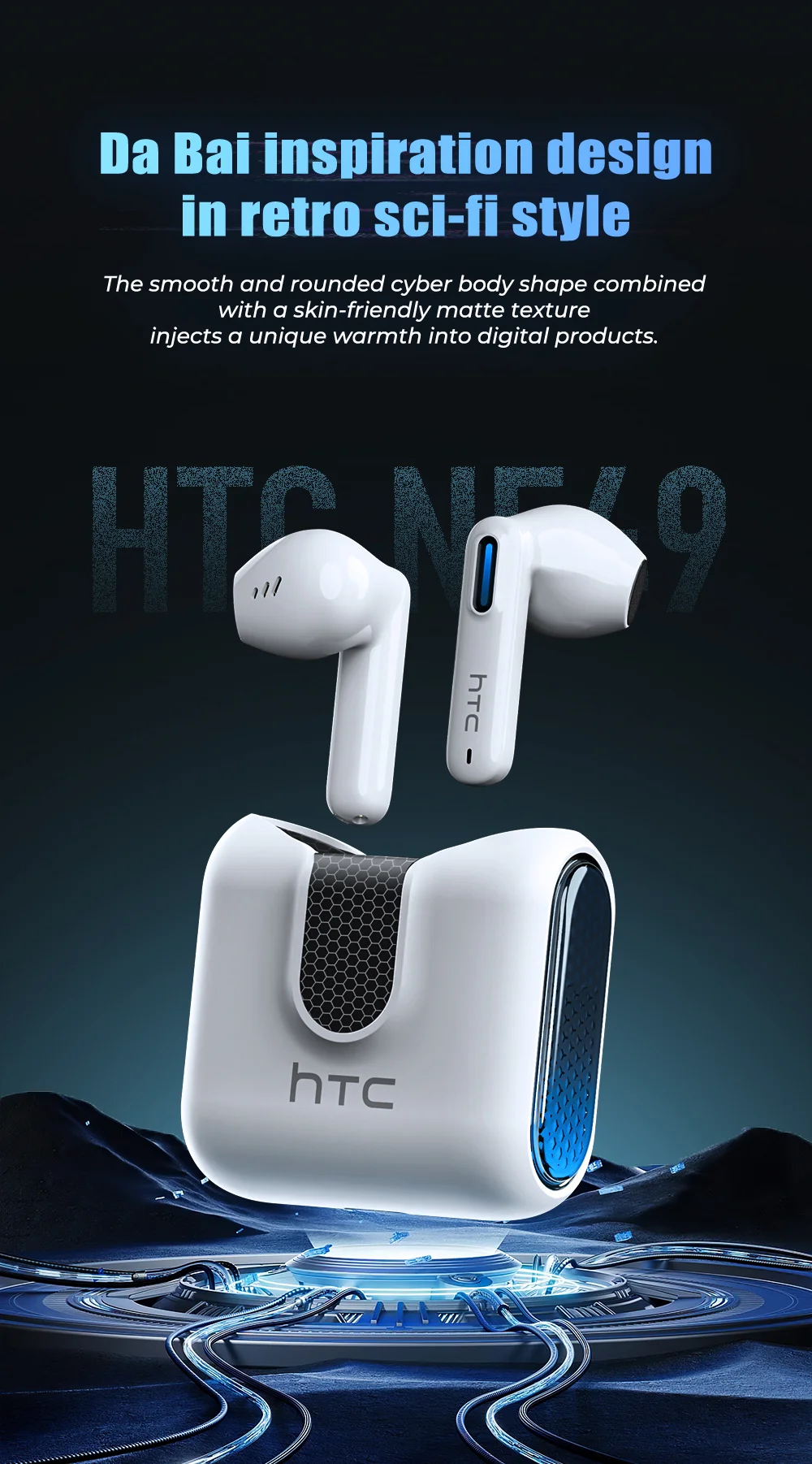
## 🎧 Product Introduction – HTC NE49 (Standard Version)
### Common Features – Standard Version
| Feature | Description |
|---------|-------------|
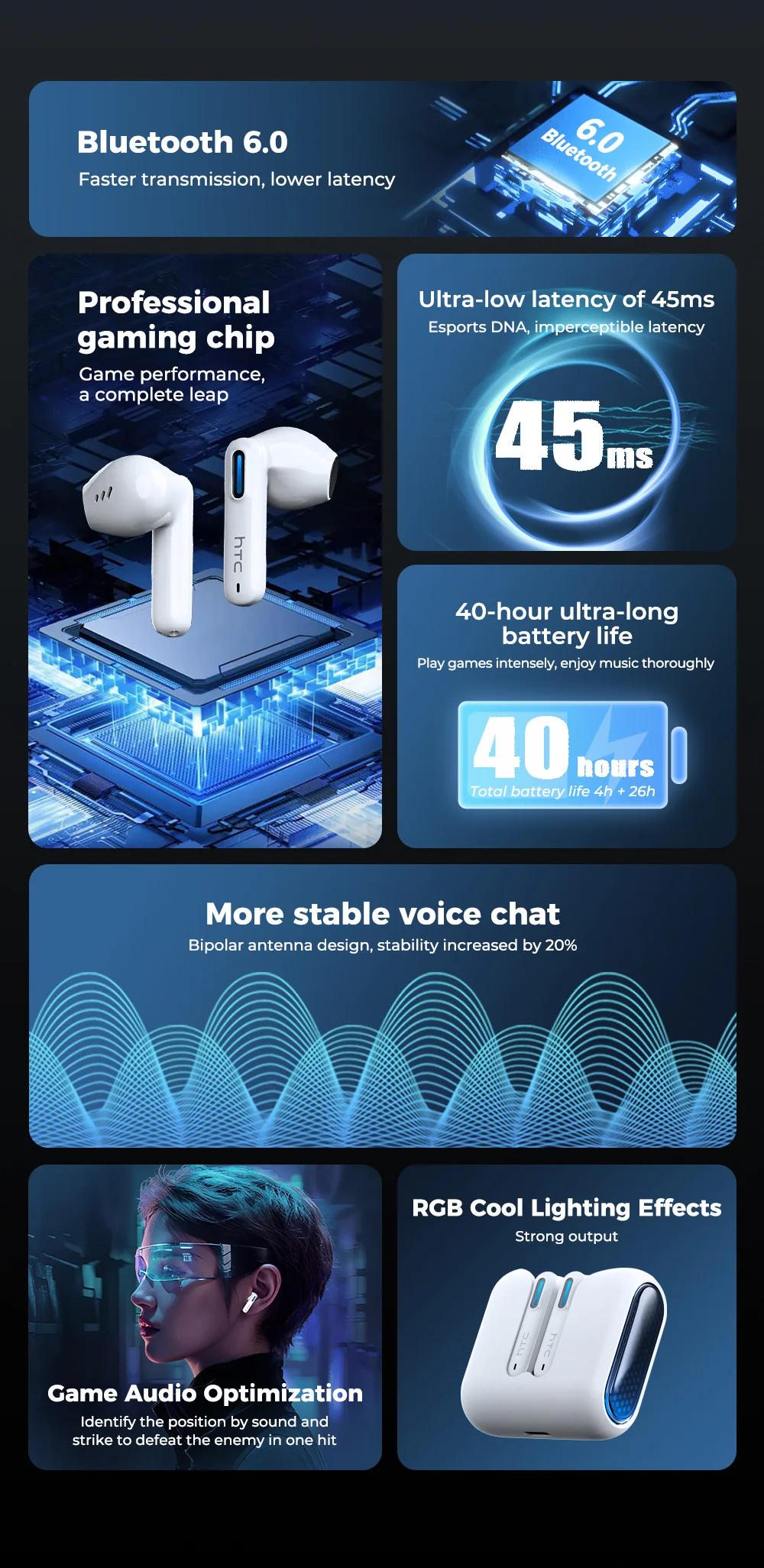
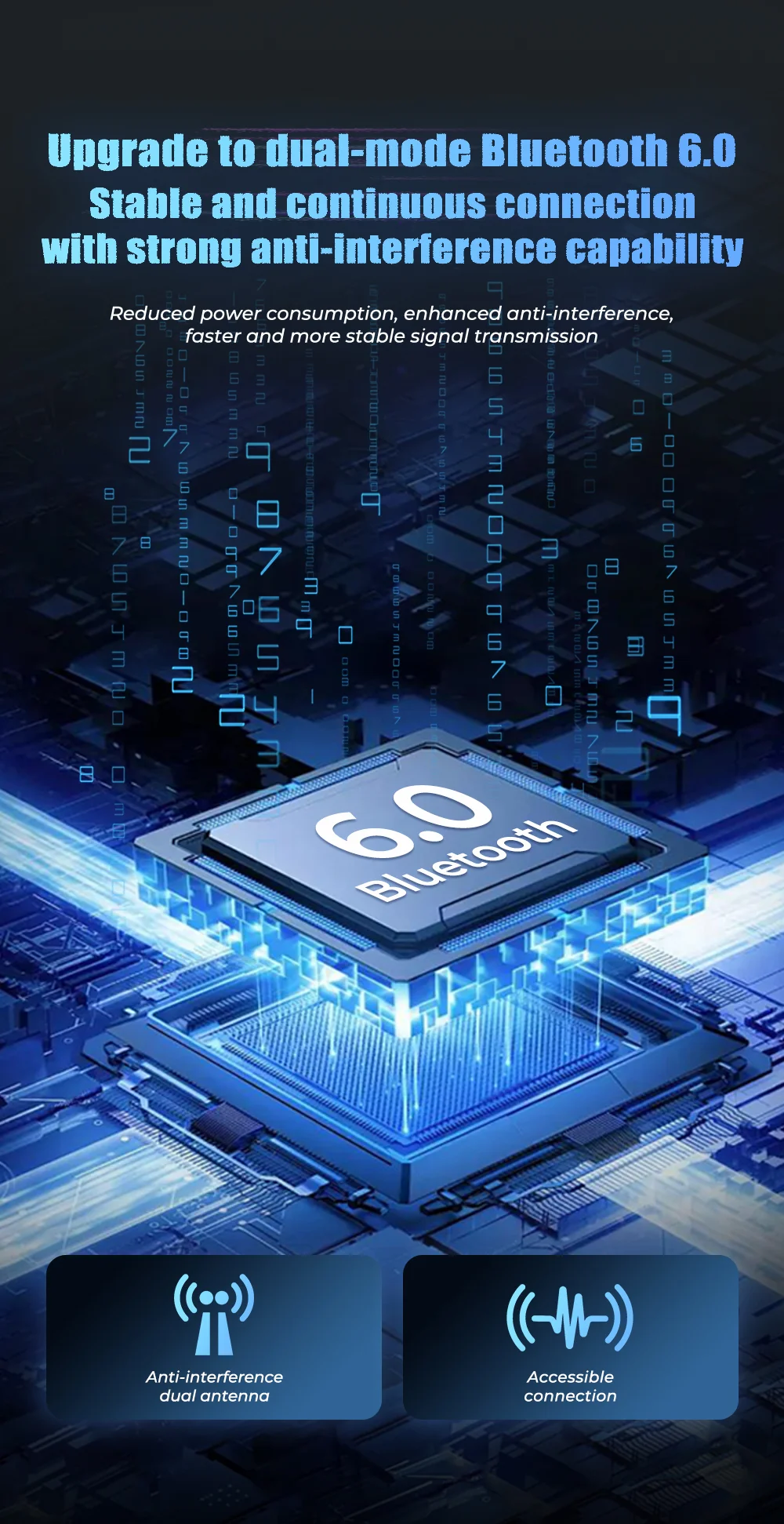
| **Bluetooth 6.0 Technology** | High-speed, stable connection with ultra-low latency |
| **Transmission Range** | Approx. 10 meters (no obstacles) |
| **Remote Call / Camera Control** | Conveniently answer calls and take photos |
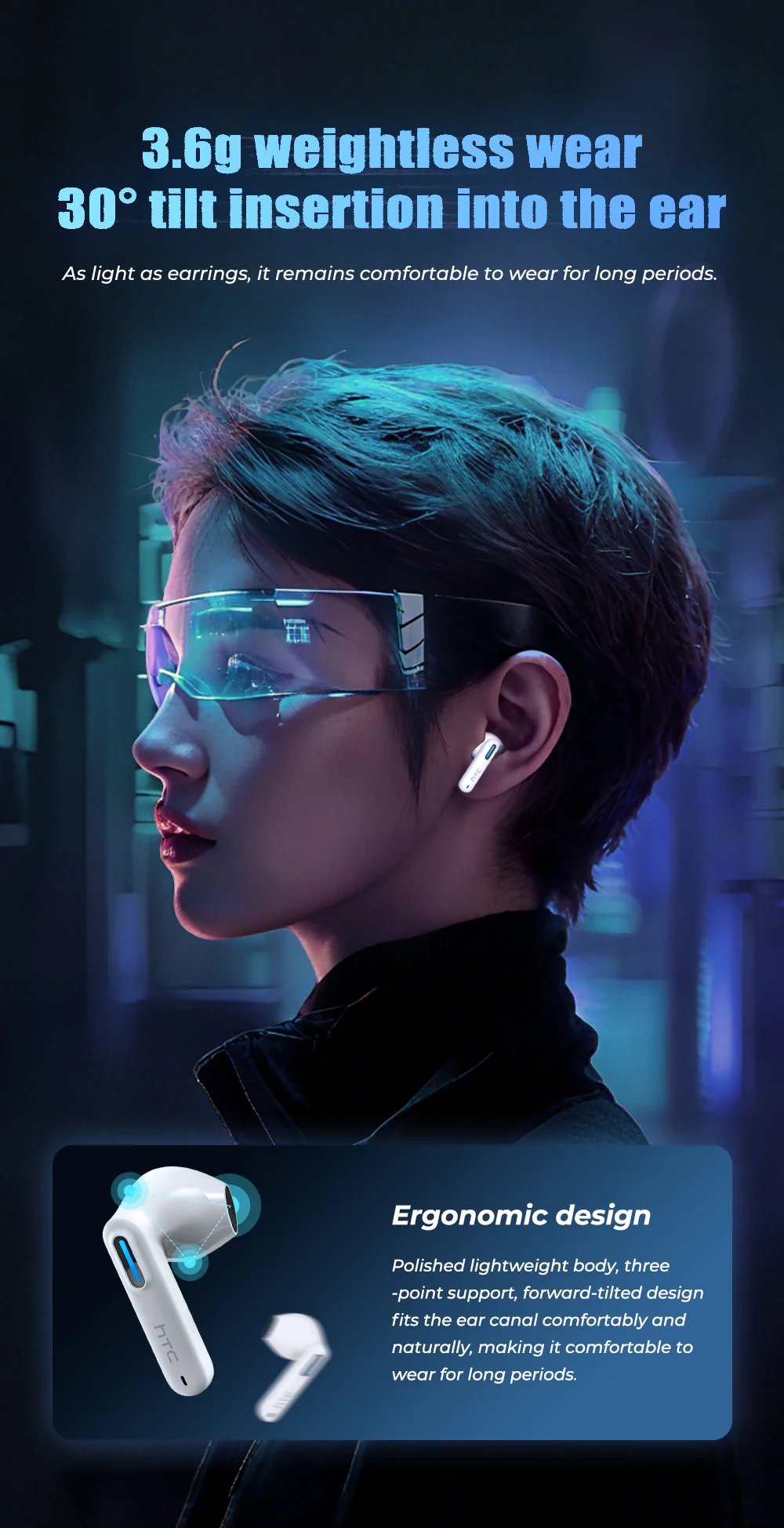
| **13.2mm Dynamic Driver** | Enhanced sound experience with larger driver |
| **Seamless Touch Control** | Easy touch controls, reduces accidental touches |
| **Daily Water Resistance** | Suitable for everyday use |
| **360° Dolby Atmos Sound** | Immersive theater-like surround sound experience |
---
## ⚠️ Note: AI Translation Function is NOT included in this Standard Version
*(The following AI features are NOT available in the Standard Version: AI translation, 135 languages, two-way voice translation, meeting mode, anti-loss function, etc.)*
---
## 🎮 Standard Version Features Included:
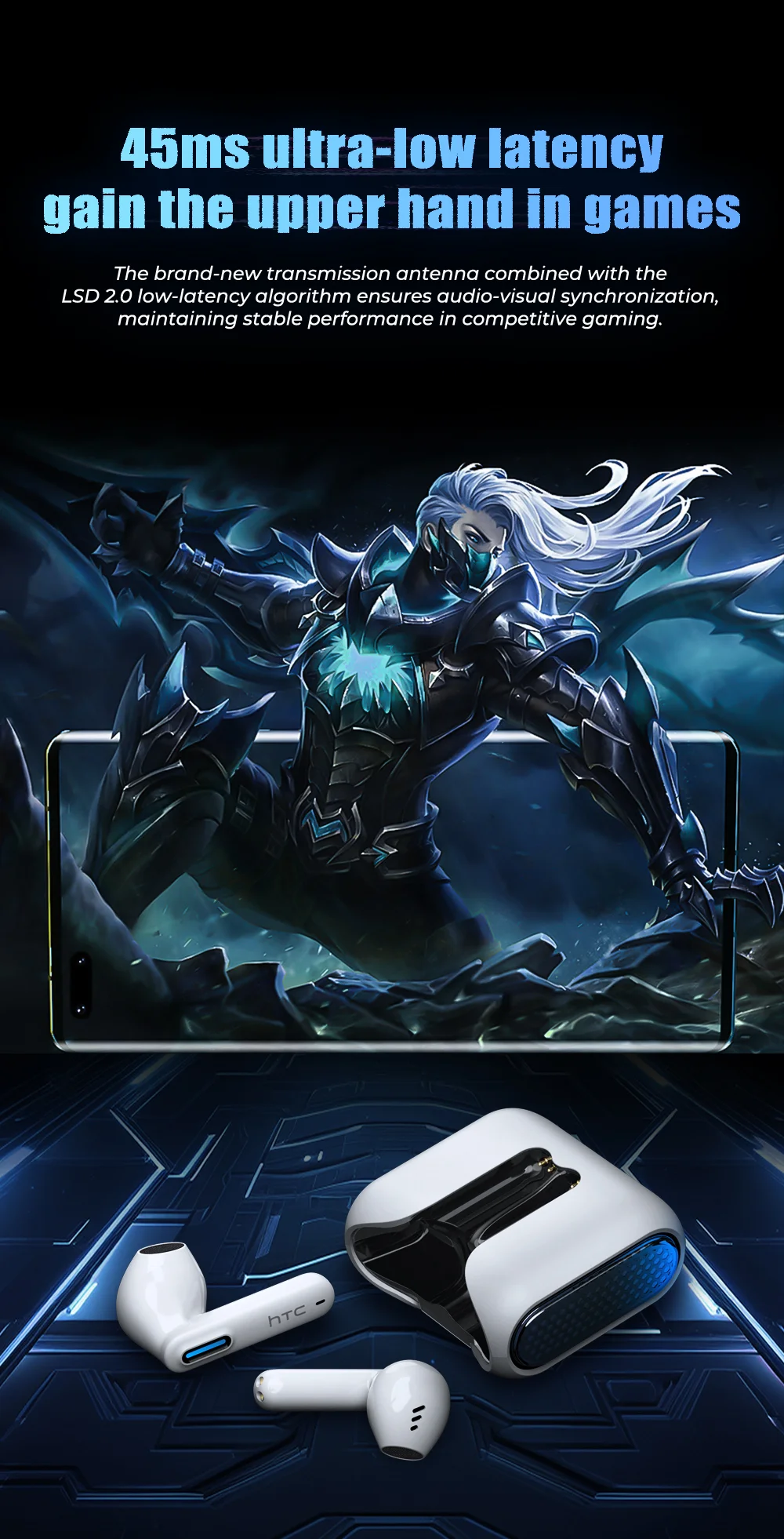
✅ Bluetooth 6.0 – Stable & low-latency connection
✅ 13.2mm driver – Rich, enhanced sound
✅ Touch controls – Easy operation
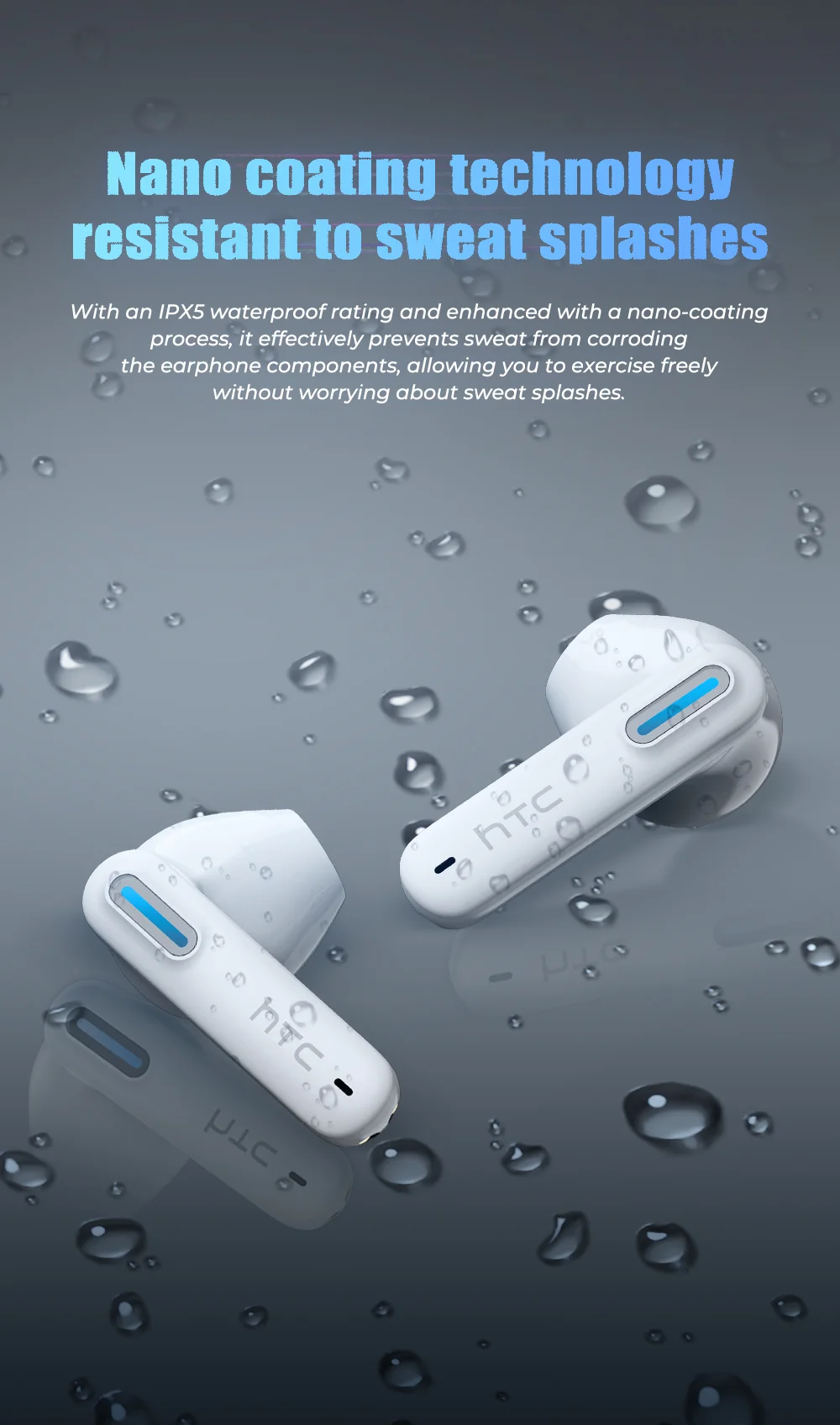
✅ IPX4/IPX5 daily water resistance (as applicable)
✅ 360° Dolby Atmos surround sound
✅ Remote call & camera control
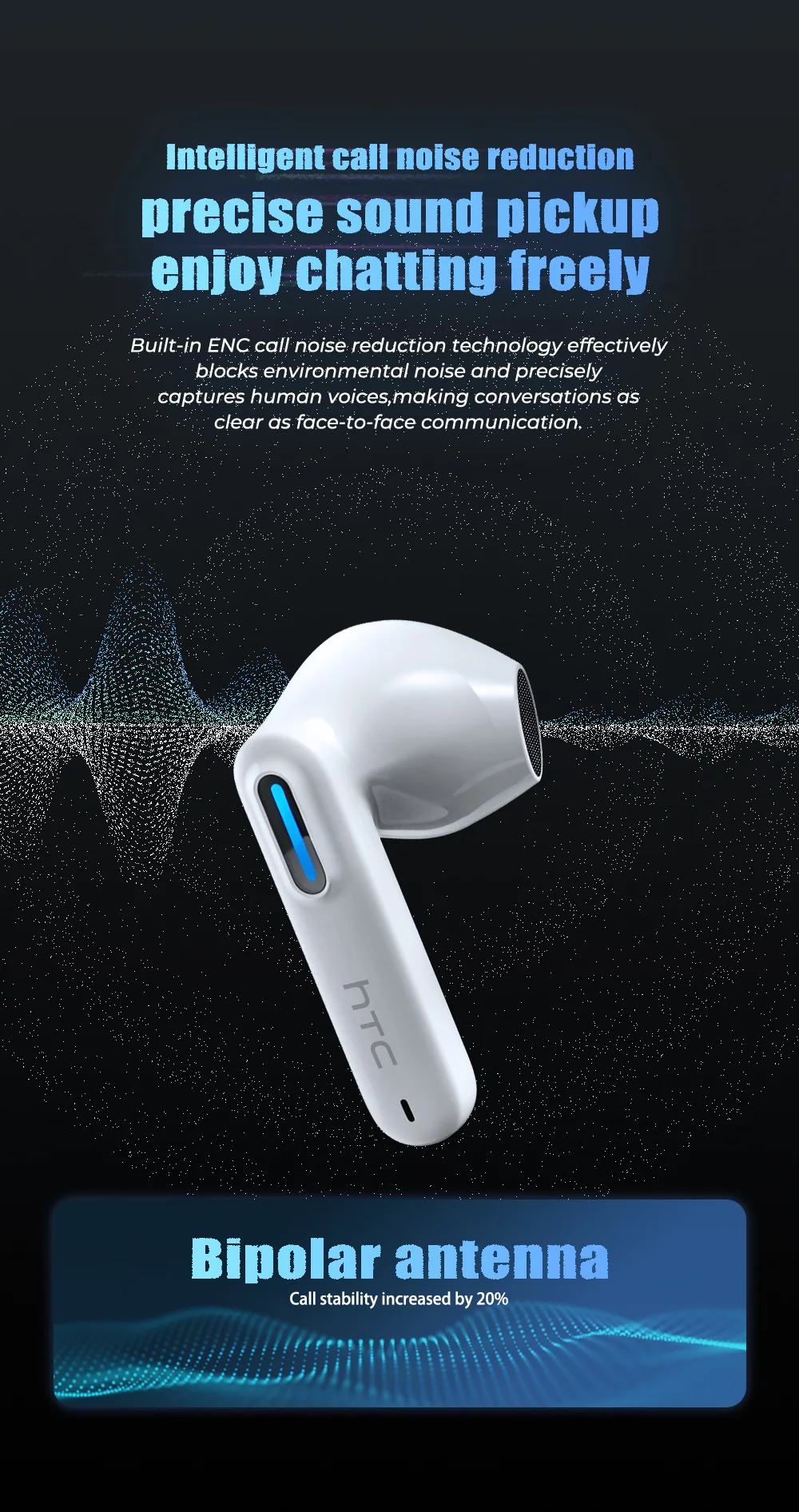
✅ HD microphone with smart noise reduction for calls
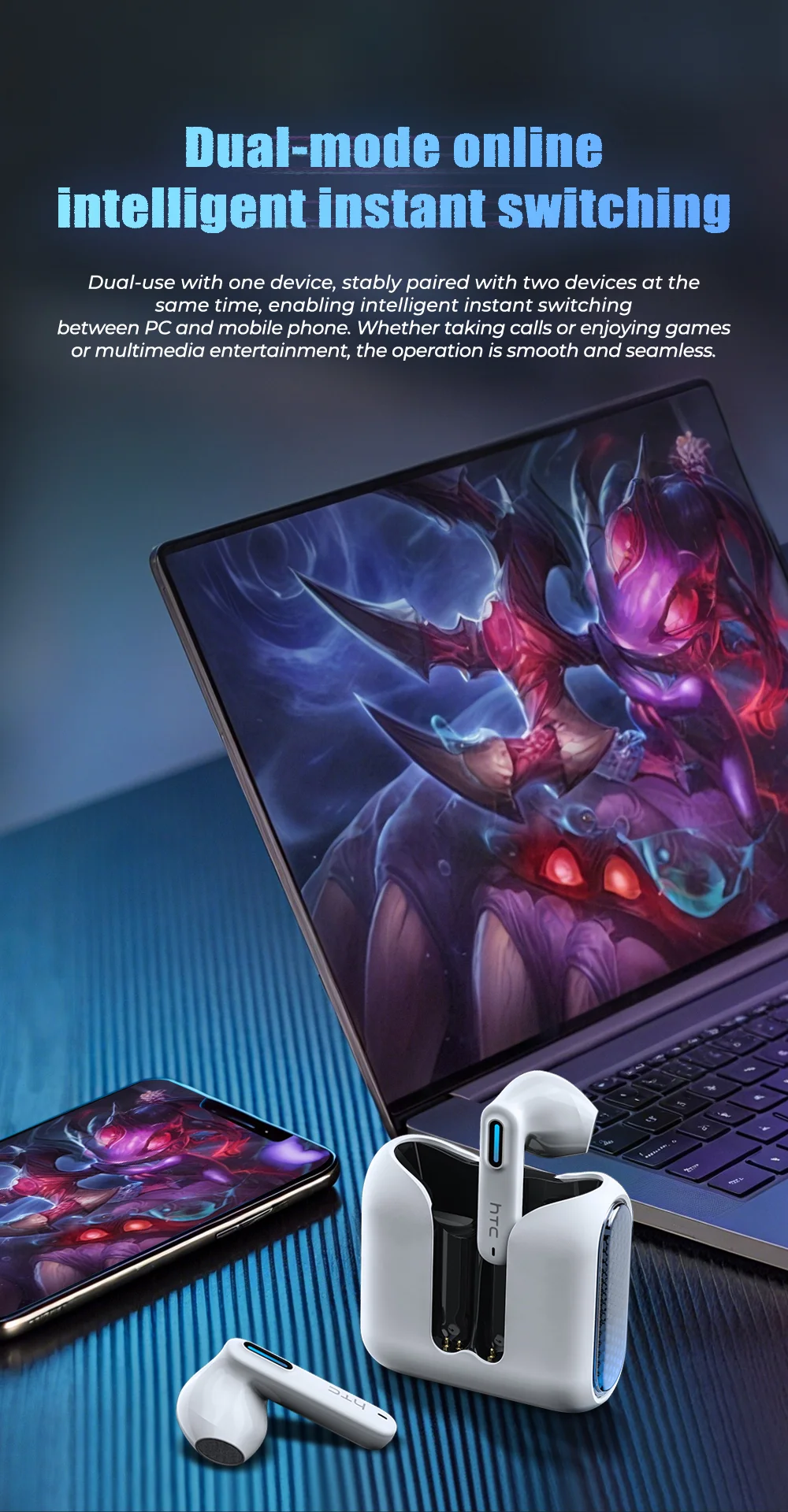
✅ Compatible with iOS, Android & Windows
---
## 📖 How to Use Your HTC NE49 Earbuds
### Bluetooth Connection
1. Open the Bluetooth settings on your device
2. Find the Bluetooth device named **"HTC NE49"**
3. Click to pair
### Touch Control Operations
| Action | Function |
|--------|----------|
| Single click (right earbud) | Volume Up |
| Double click (left earbud) | Volume Down |
| Triple click (left earbud) | Previous song |
| Triple click (right earbud) | Next song |
### Mode Switching
| Mode | Operation |
|------|-----------|
| **Game Mode** | Press and hold right earbud for 2 seconds – hear two beeps |
| **Music Mode** | Press and hold right earbud again for 2 seconds – hear two beeps |
### Indicator Light Status
| Status | Light Behavior |
|--------|----------------|
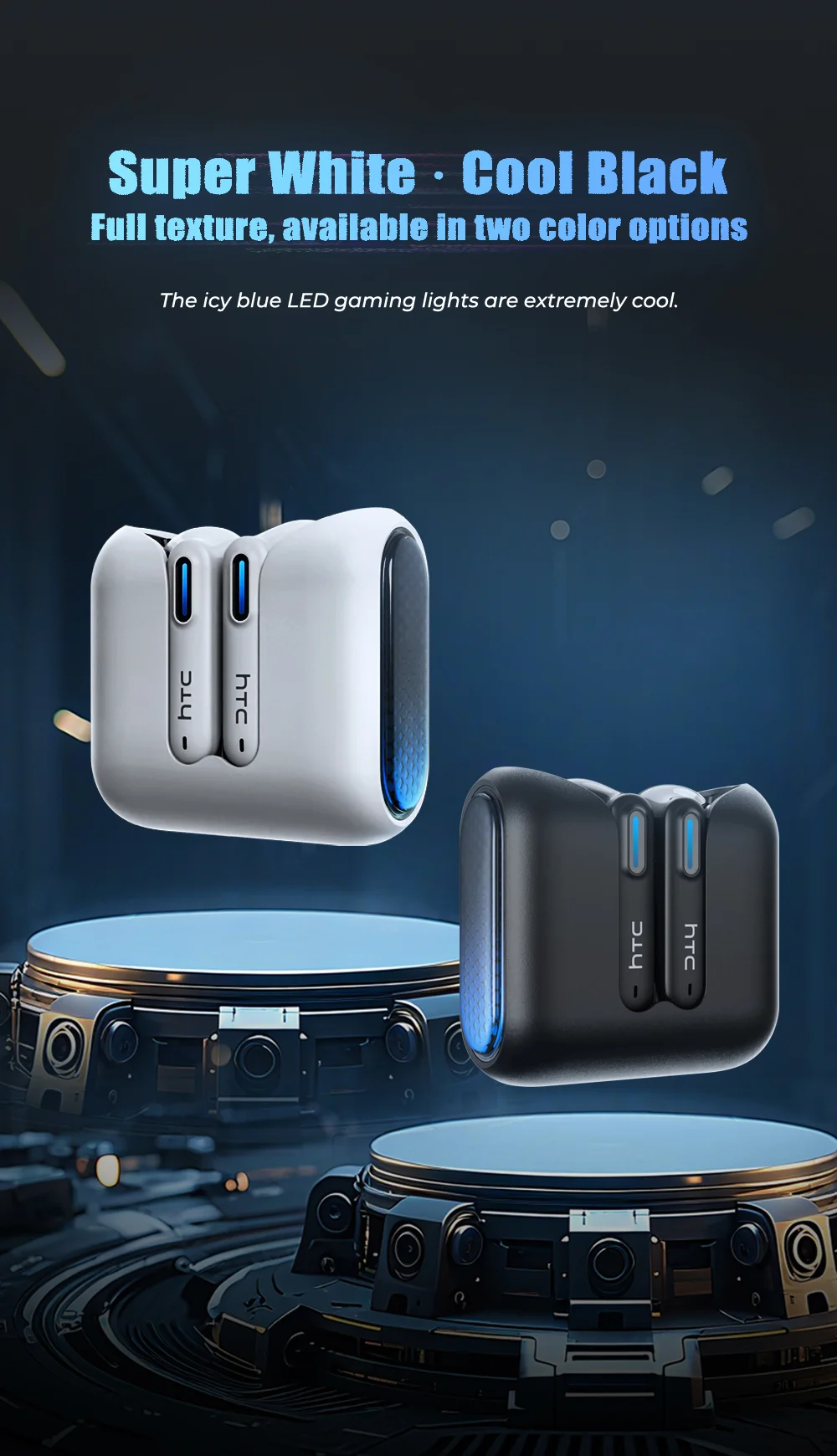
| Power on | Light blue light flashes |
| Power off | Light blue light turns on then off |
| Pairing successful | Special blue light flashes |
| Connection successful | No light |
| Earbuds charging | Charging case indicator stays on; earbud indicator turns off when fully charged |
| Charging case status | Blue light flashes while charging; stays on when fully charged |
---
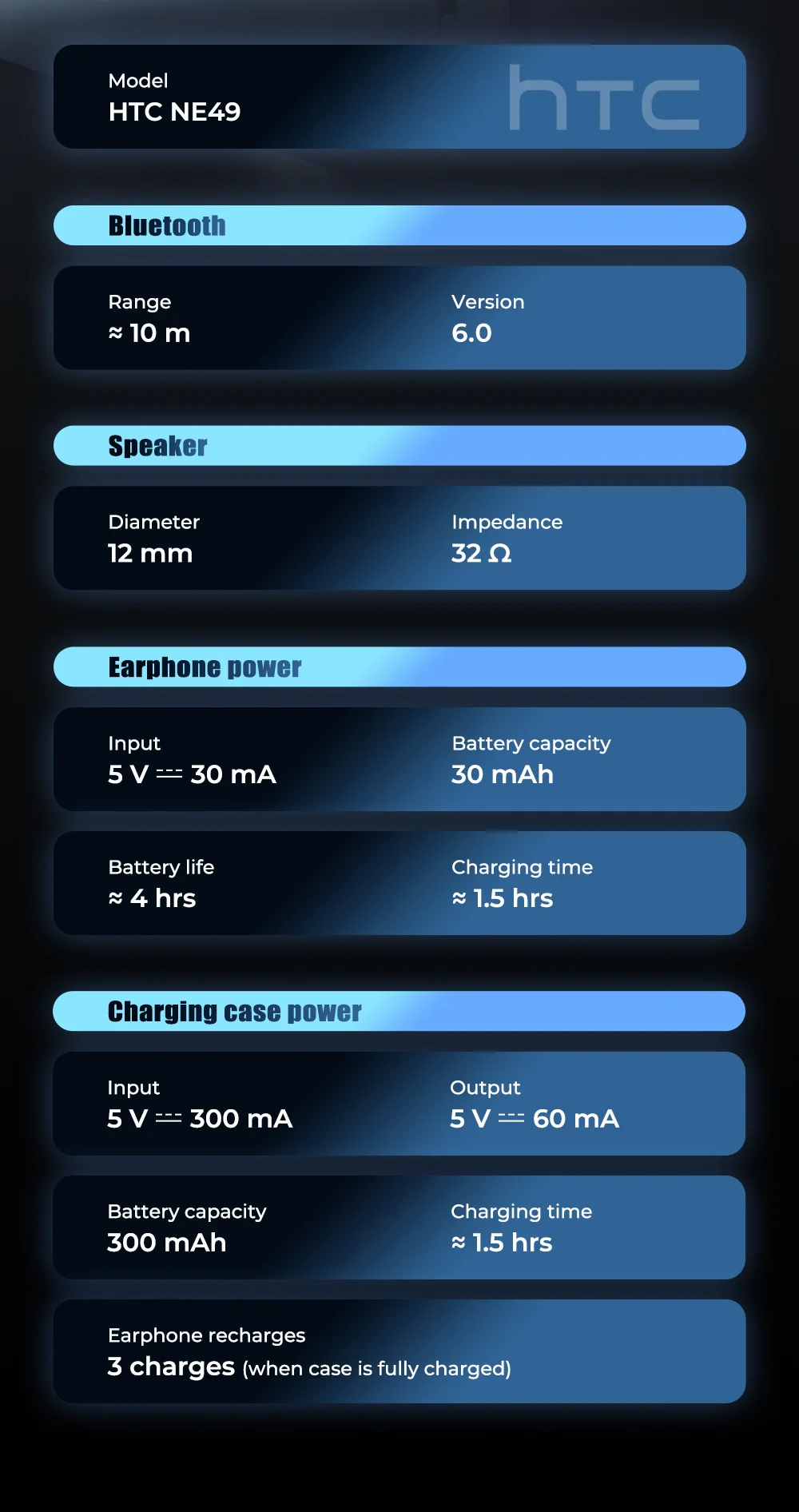
## 📋 Product Specifications – HTC NE49
| Specification | Details |
|---------------|---------|
| Model | HTC NE49 |
| Type | In-ear earbuds |
| Bluetooth Version | BT 6.0 |
| Charging Interface | Type-C |
| Communication Range | 10 meters |
| Supported Systems | iOS / Android / Windows |
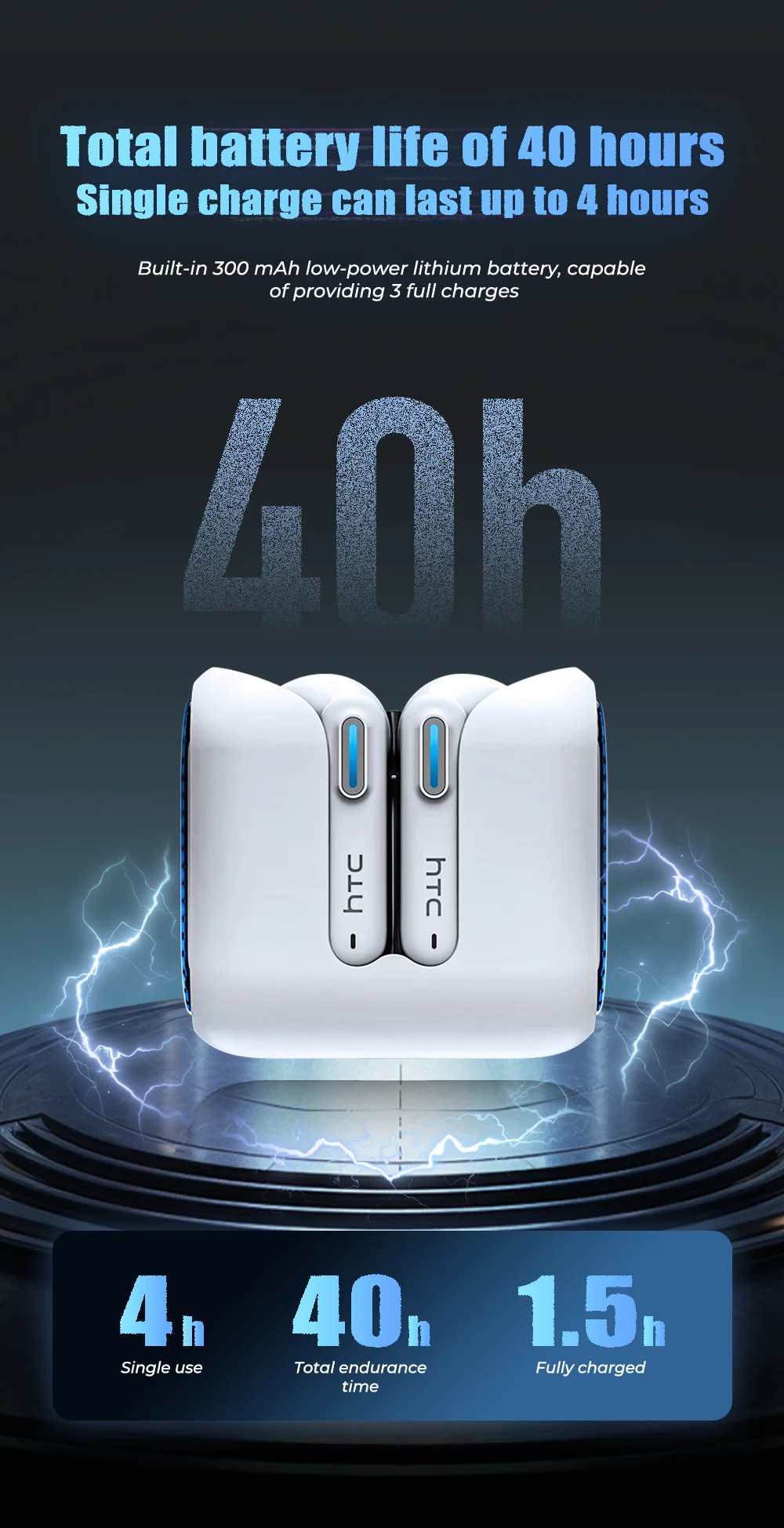
| Charging Time | Approx. 1.5 hours |
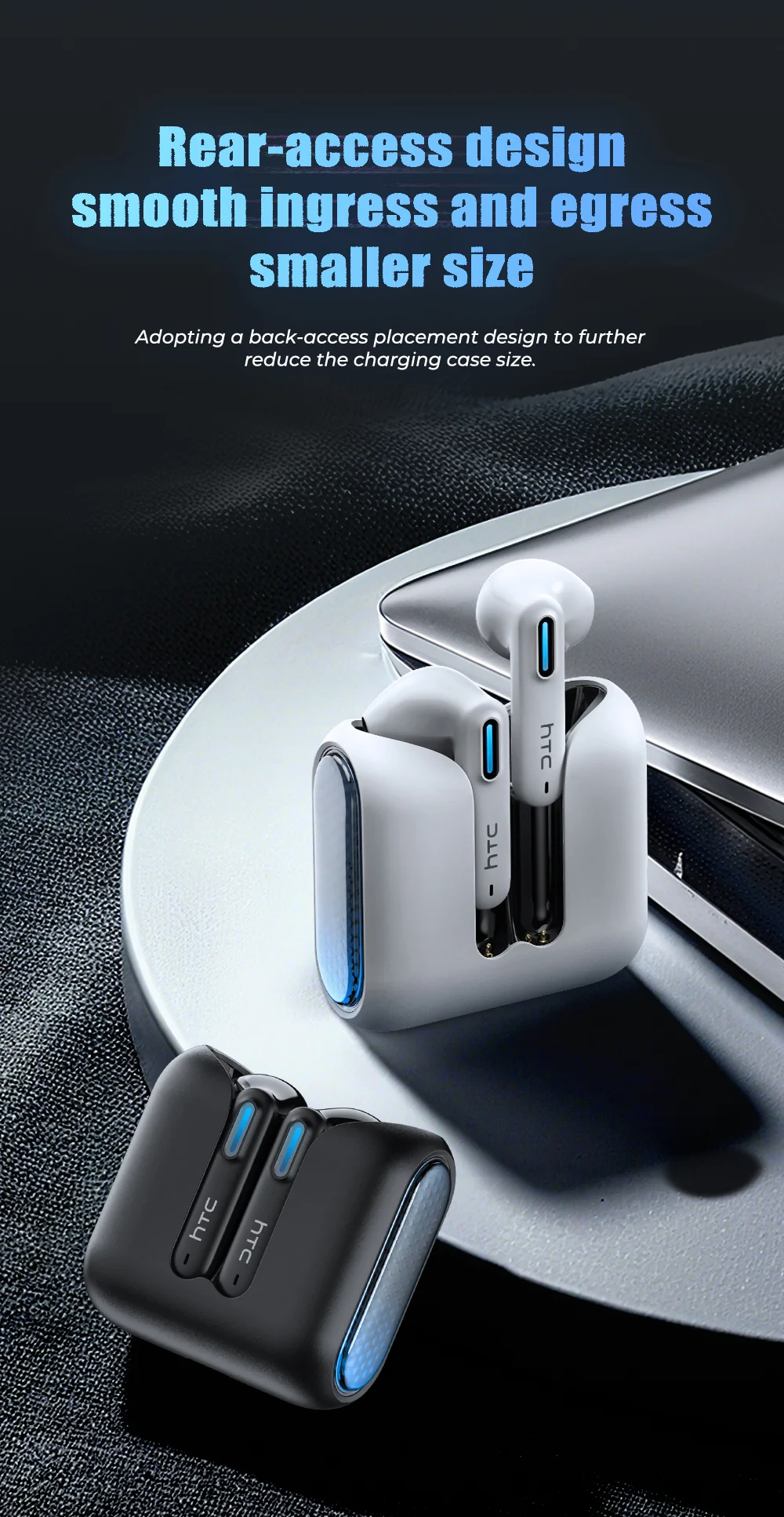
| Charging Case Capacity | 400mAh |
| Earbud Battery Capacity | 40mAh |
| Case Battery Life | Provides up to 20 hours of additional playback |
---
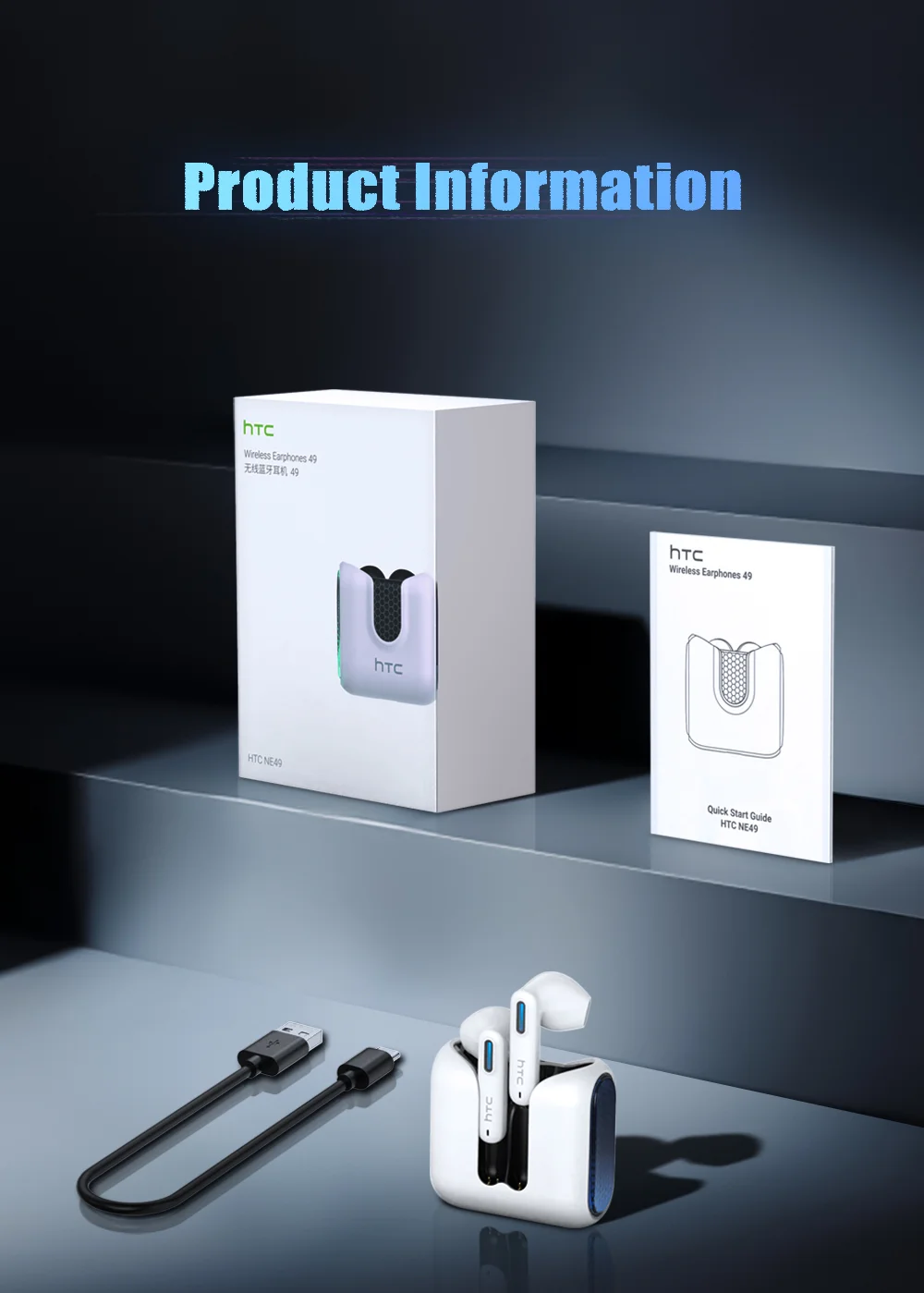
## 📦 What's in the Box
- **1 ×** HTC NE49 Earbuds (pair)
- **1 ×** USB Charging Cable (Type-C)
- **1 ×** User Manual
---
## ❓ Questions or Concerns?
Please feel free to contact us. **Happy shopping!**


